For customers
From search to a ready-to-send booking
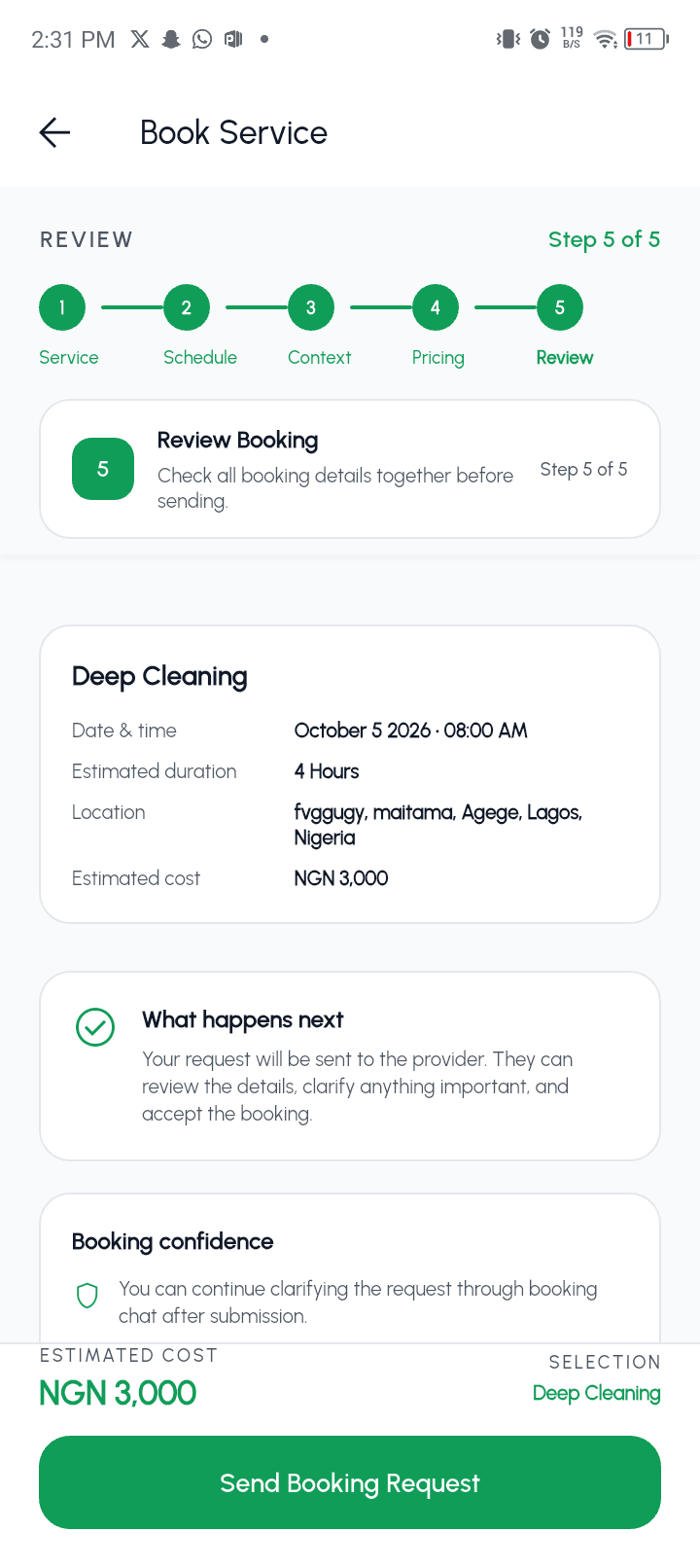
Discover suitable providers, compare the details that matter, then review the full request before sending it.
- Service discovery
- Provider options
- Booking review
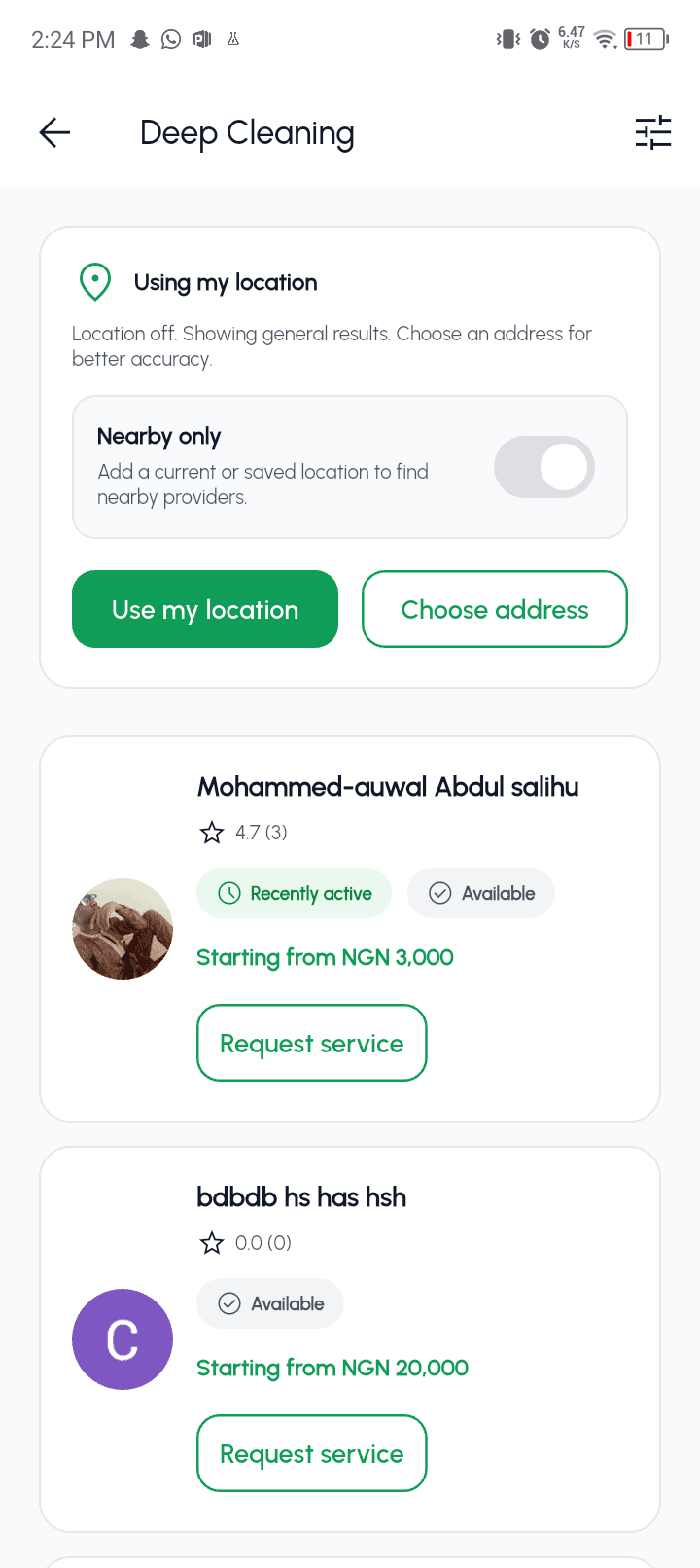
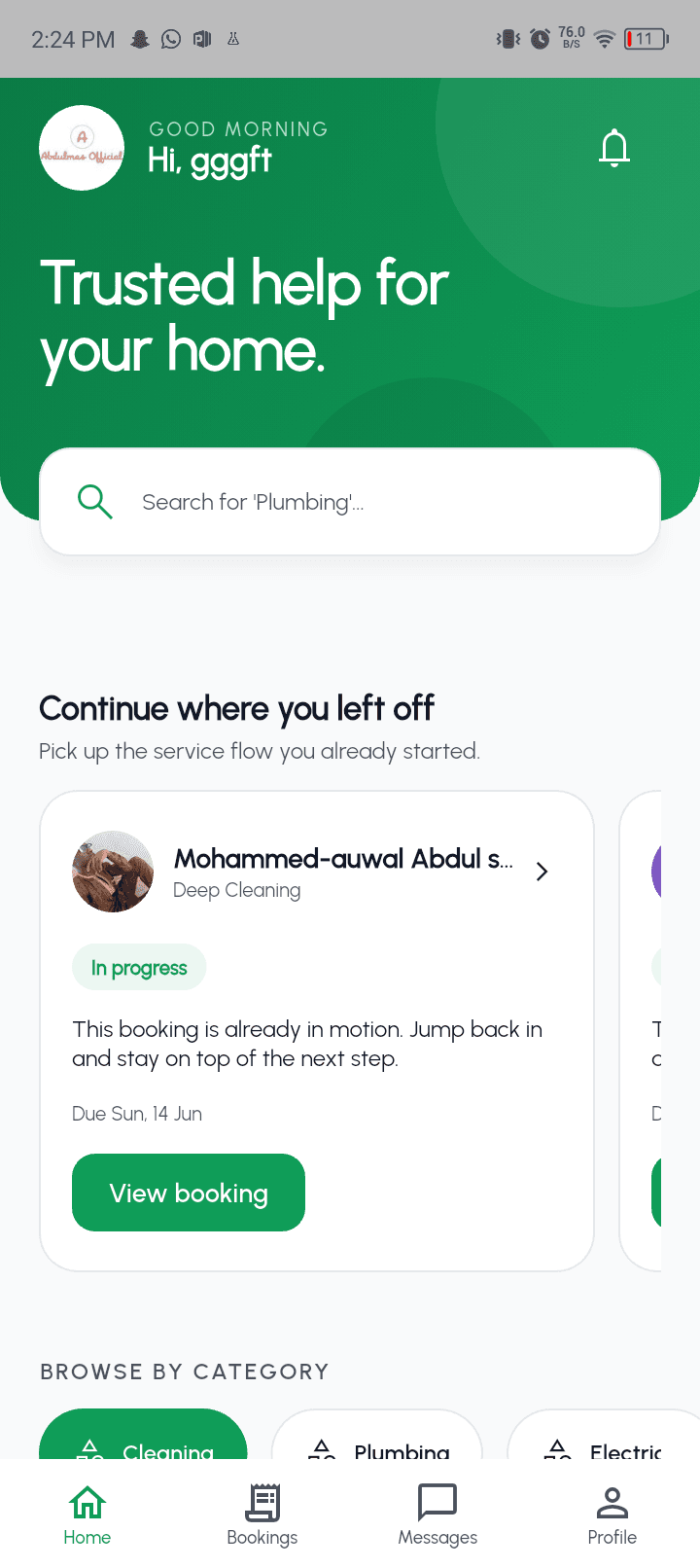
Discover providers, keep conversations linked to the booking, and fund escrow after a provider accepts. Payment releases after you confirm completion.
Find help
Search by service
Stay updated
Track each booking
Wallet-funded escrow stays locked until completion is confirmed
Compare verification, ratings, completed jobs, and recent activity
Keep payment locked when the work is incomplete or disputed
Customer flow
Browse categories, compare providers, and open the service that fits your job.
Create a booking, negotiate when available, and use booking chat to confirm the details.
After provider acceptance, fund the booking from your wallet and lock the money in escrow.
When the provider marks the work done, review it, confirm completion, and then release payment.
If the work is not complete or there is a problem, do not confirm completion. Report the issue from the booking so payment stays locked while the case is reviewed.
Payment Flow
Step 1
Provider accepts the booking
Step 2
Customer funds the booking
Step 3
Escrow stays locked during work
Step 4
Customer confirms completion
Step 5
Payment is released
Booking funds move into escrow when you confirm payment and stay locked until you confirm completion.
Compare verification status, ratings, completed jobs, and recent activity when available.
See each service price, any minimum price, and whether the provider allows negotiation.
If something goes wrong, raise an issue before confirming completion so escrow is not released automatically.
For Providers
Servma helps professionals list services, receive booking requests, chat with customers in context, and manage each job from request to completion with escrow-backed payment.
Customers can compare verification status, ratings, completed jobs, and recent activity when available.
Providers work only after customer funding is secured, and release happens after completion confirmation.
Customers can find providers by service category and review their details before booking.
Inside the apps
Customers and providers each get the tools they need, with booking activity kept connected from request through completion.
For customers
Discover suitable providers, compare the details that matter, then review the full request before sending it.
For providers
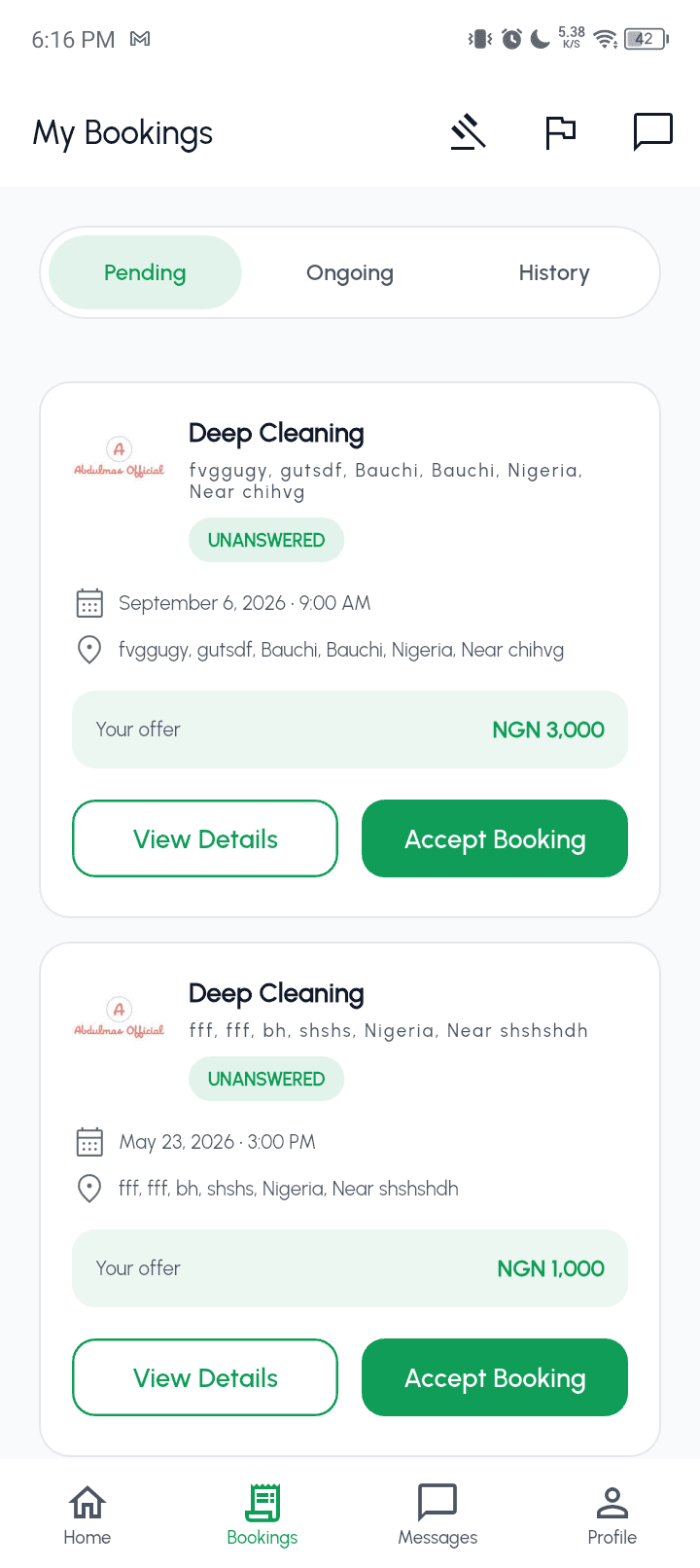
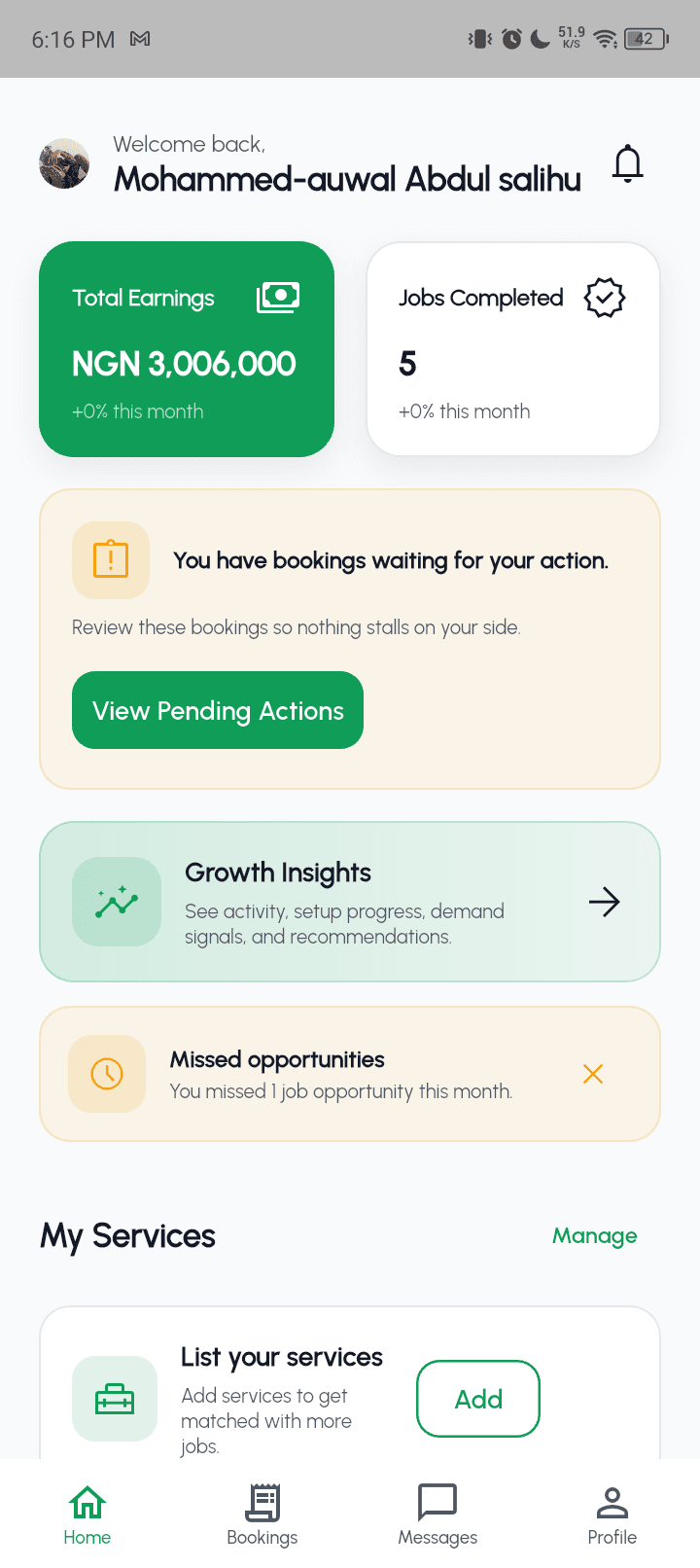
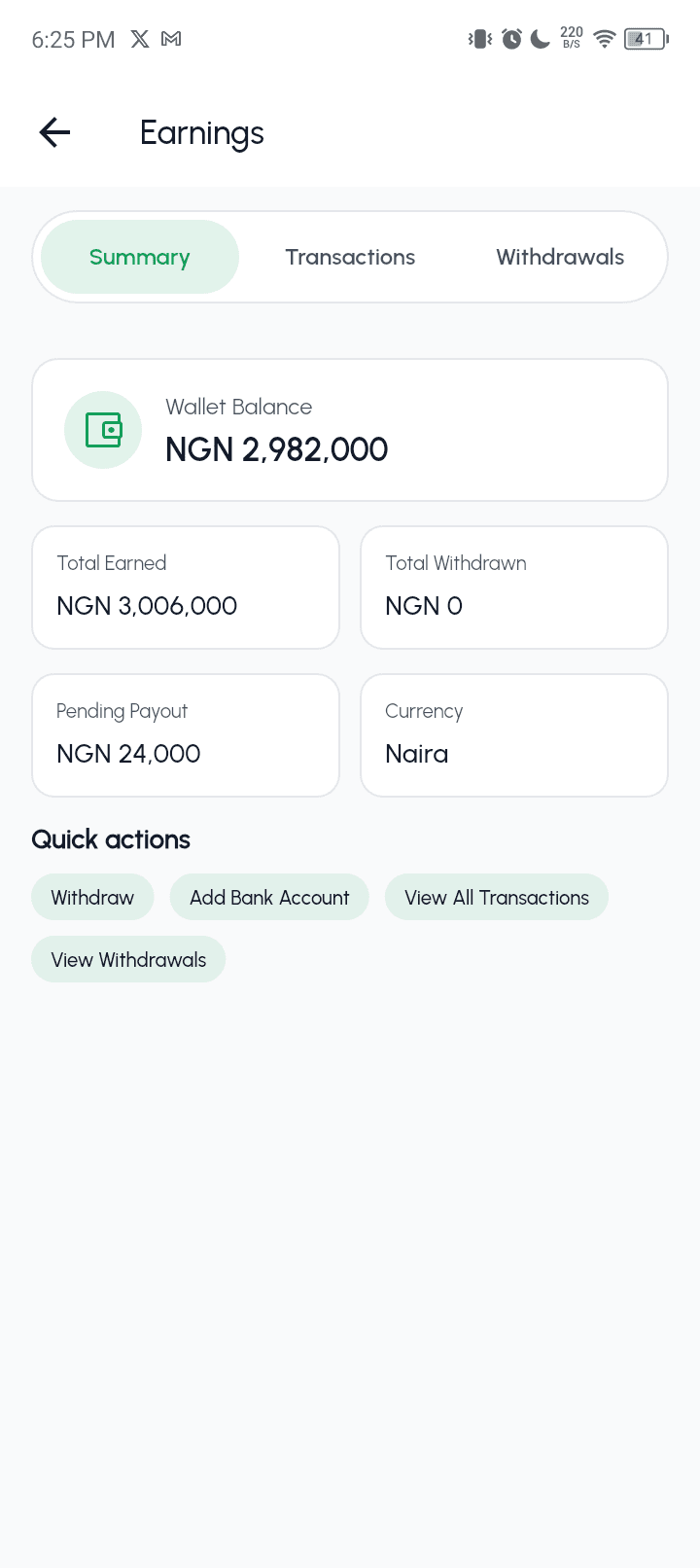
Review new requests, manage active work, and see when customer payment has been secured for a booking.
Explore services, learn how provider onboarding works, or contact support if you need help before continuing in the app.